
Code a mission students can explain
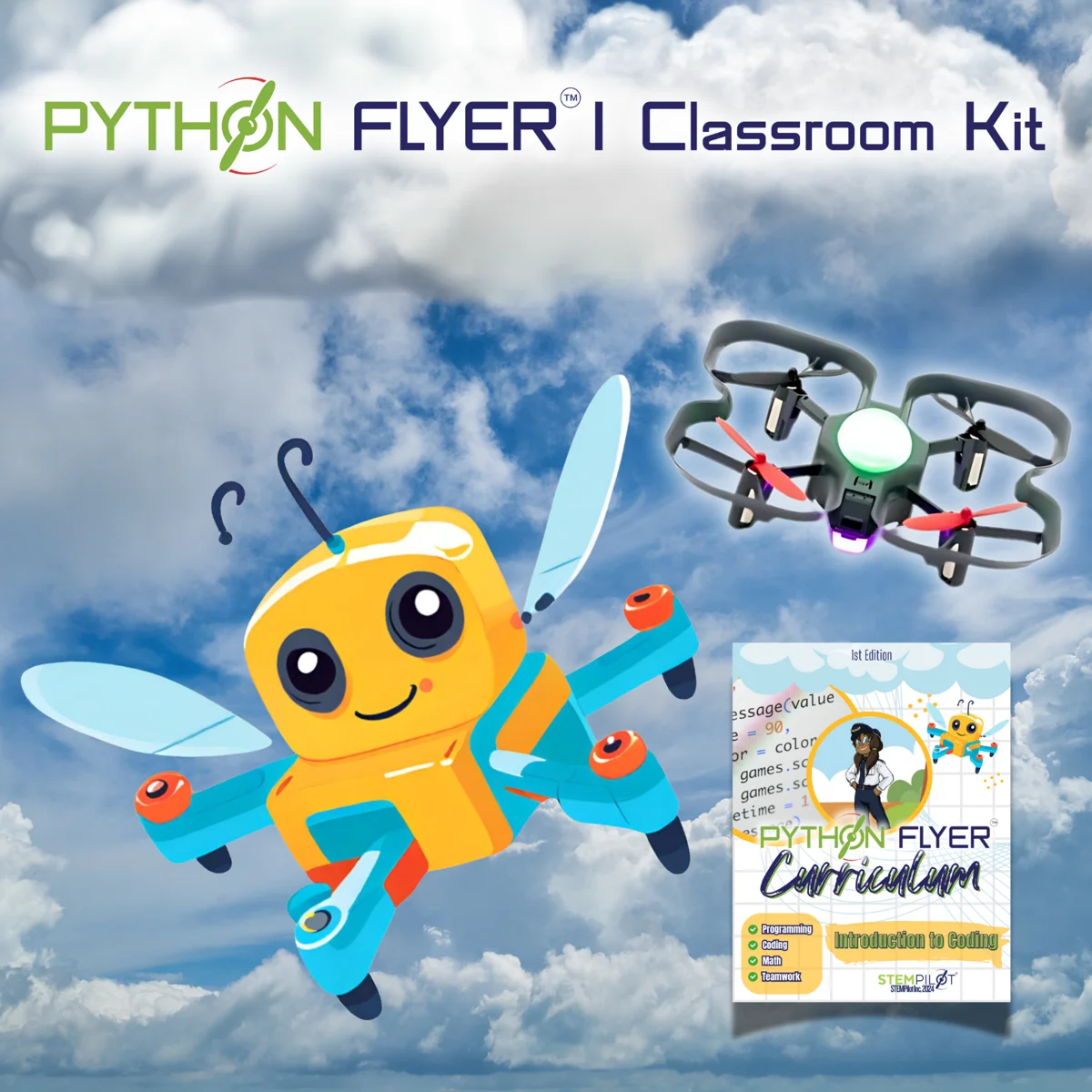
Python Flyer combines a codeable quadcopter with STEMPilot curriculum. Students can connect a planned sequence to an autonomous flight task, then compare the result with their intent. Review the provided curriculum before choosing activities or assuming support for a particular command.
The single-user kit
The current Python Flyer 1 listing includes one Python CoDrone EDU quadcopter, one Python Flyer curriculum, five safety glasses, four bullseye landing targets, one altitude hold post, and three obstacles. The category also lists five- and ten-kit classroom options.
Plan the computer and classroom setup
Confirm the supported programming environment, computer requirements, current kit contents, and instructor preparation directly with STEMPilot. Choose a supervised space and follow the supplied operating guidance. A coding lesson should include planning and review as well as the flight.
Assess the explanation
Have students explain what the program is intended to do, identify an observed mismatch, and justify a revision. A successful flight is useful evidence, but the student’s reasoning shows whether they understand the instructions and the changes they made.
Program information: Python Flyer 1 ↗ · Current Python Flyer kits ↗. Classroom examples on this page are suggested teaching activities.